Employee scheduling software
Next week's rota, on every worker's phone
Build the week from who's free and publish it once. Staff cover their own shifts, clock in against the rota, and their hours go to your payroll.
- Free for one location and up to 20 staff.
- Paid is £25 a location a month before tax.
- Start with 30 days of Paid, no card.
- Other ways to sign up

Publish once and see who's got it
The week goes out by push, email and text, so you're not re-texting the team. You see who it reached, who's opened it and when, and you can resend to anyone it didn't reach.

Start the week from who's free
Copy last week, a template or a repeating pattern. Auto-draft then fills the open shifts with staff who hold the role, are available and aren't on time off, without breaking an overtime or break rule, and inside your labour budget.

Catch overtime and missed breaks before you publish
Before the week goes out you see warnings for overtime, breaks, rest between shifts, young workers' hours, and clashes with availability or another location, with labour cost against your budget. The rules where each location is are filled in for you.

Let staff cover their own shifts
Staff can drop a shift, swap, pick up an open shift or say they can't come in. Co-workers who can work it are offered it, and you or your shift lead approve. Until then the shift stays with the person who had it.
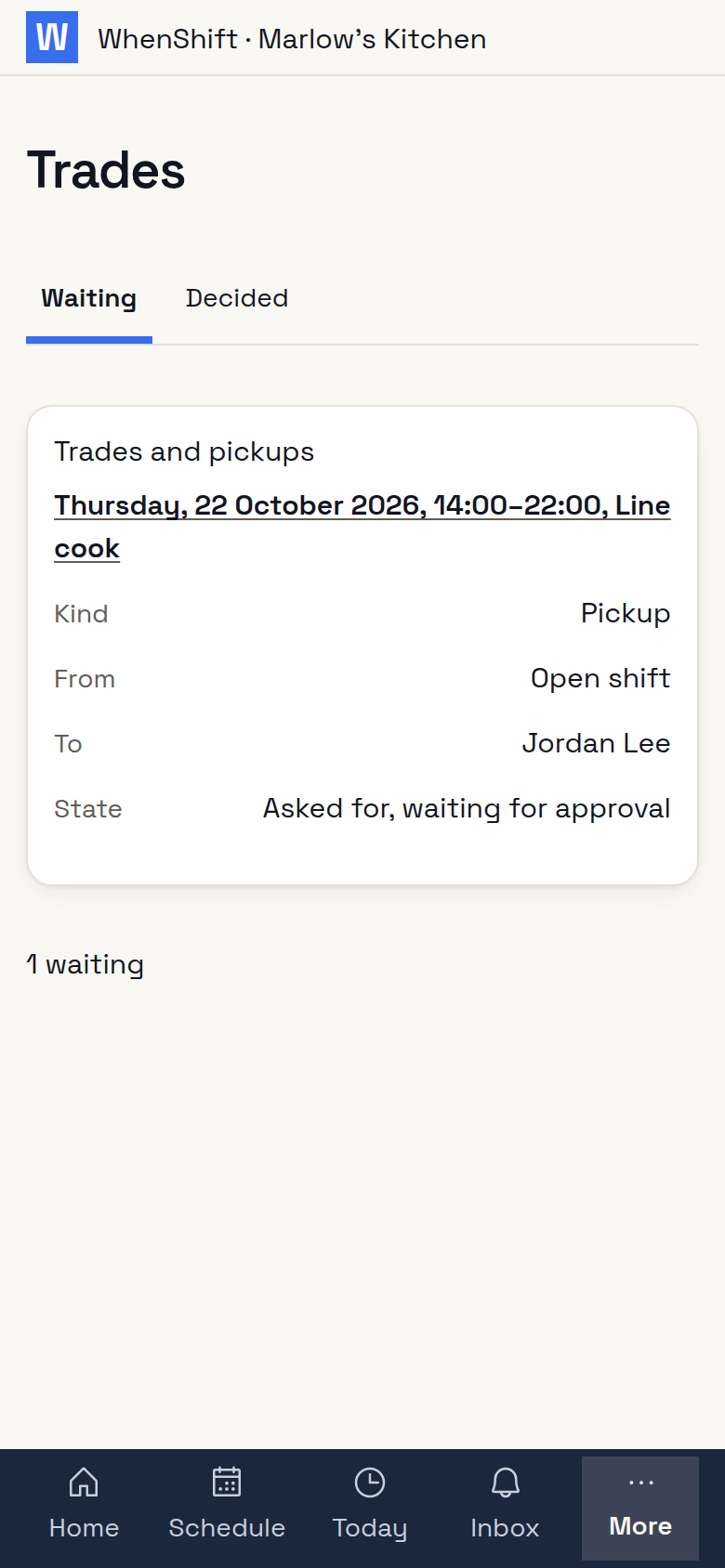
Your staff don't have to download anything
The rota opens in their browser from a text or email link. They see their shifts and their co-workers' at the same location, never anyone's wages or phone number. Someone who works for two employers signs in once and sees all their shifts together, and anyone can add them to their phone's calendar. The app is there for anyone who wants push notifications, and nothing tracks their location when they're off the clock.
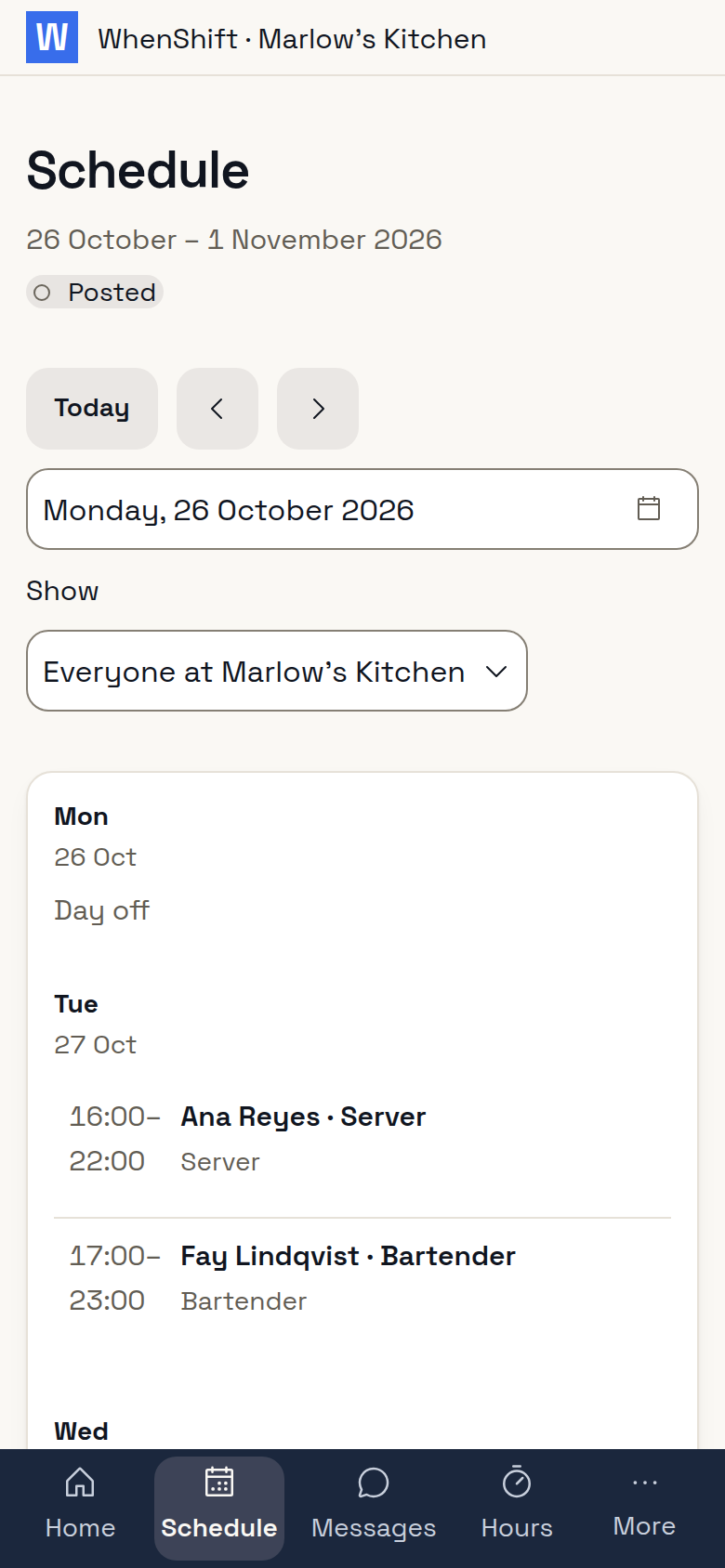
Clock in against the rota
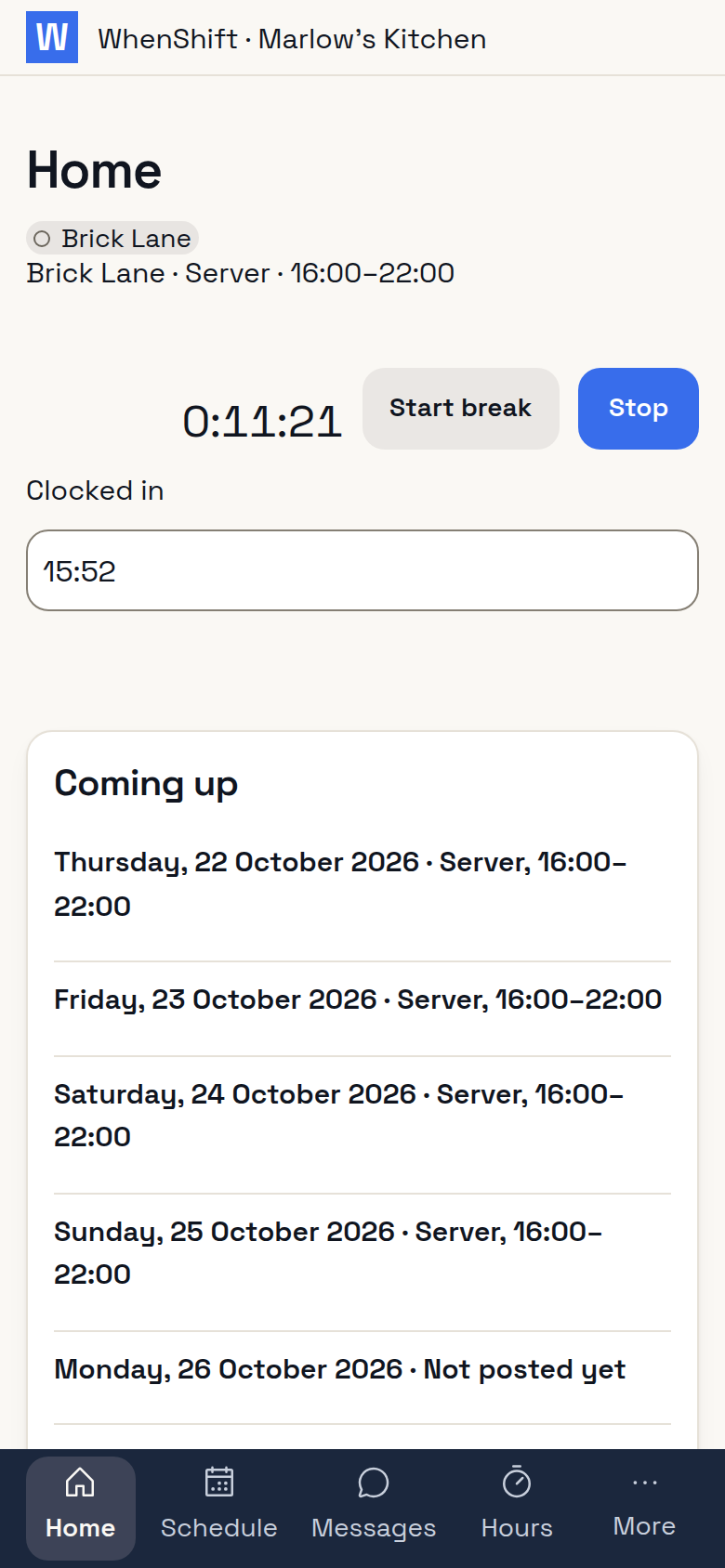
Staff clock in by phone inside your location's geofence, or at a kiosk with your business's name and logo. They're warned an hour before overtime, reminded when a break is due, and confirm their breaks when they clock out. If your staff clock in without a rota, you can start with the time clock.
Send approved hours to payroll
Approve timesheets and send hours with overtime, premiums and tips to Sage 50 Payroll, BrightPay, IRIS, Staffology or QuickBooks Online Advanced Payroll as a file in that payroll's own layout.

Hire straight into the rota
Post a job page under your business's name and share its link. Applicants come into one list, and the one you invite is there for next week's build.

See labour cost against sales
For restaurants and retail, set a labour budget against a sales forecast from Square, Clover or Shopify, or from sales you enter.

Questions owners ask
What if they get locked out?
Staff sign in with Google, an email link or a code by text, and can add another way to the same account.
I have more than one location.
All your locations are under one login. A manager sees only their own, and a clash across locations is flagged.
Can I reach a person?
Yes. A person answers around the clock, on every plan, Free included.
Free for one location, up to 20 staff
Every feature works on Free, for good. Paid is billed monthly by card, and after your 30 days of Paid you stay on Free unless you pay.